Why is my oven not heating?
Quick answer: when an electric oven won’t heat, the cause is usually a failed bake, grill or fan element, a fan motor fault, a faulty thermostat or temperature sensor, a tripped thermal cut-out, a worn selector switch or an overheated wiring connection. Before you book, check the simple things: that the clock has been set after a power cut, that no timer is running, and that demo mode and the child lock are switched off. Any of these can stop an oven heating even though nothing has failed. If it still won’t heat, the oven needs a diagnosis.
An oven that won’t heat may stay completely cold, heat on the grill but not on bake or fan-forced, take far too long to reach temperature, or stop heating in the middle of cooking. We find which part has failed before replacing anything.
We repair built-in wall ovens, freestanding cookers and upright cookers with electric ovens across Melbourne’s north and north-east from our base in Thomastown. Our call-out is $199 + GST and includes the first 30 minutes of labour and diagnostics, parts are quoted before any further work, and every job carries a 12-month warranty.
Which functions still heat?
Most electric ovens have separate elements for the grill, the bake (bottom) heat and the fan-forced heat, so the functions that still work are the best clue to the fault. Try each one for a few minutes and note which heat up:
- Nothing heats, but the display and light work: check the clock, timer, demo mode and child lock first. If they are fine, a tripped thermal cut-out, the selector switch, the wiring or the control board is likely.
- The grill heats, but bake or fan-forced doesn’t: the bake element, the fan element or the fan motor, or the switch or control that turns them on.
- Fan-forced is cold or slow, but conventional bake works: usually the fan element or the fan motor. If the fan doesn’t turn, or grinds, the motor is the more likely cause.
- It heats, but slowly or not to the set temperature: one element out of two, a faulty thermostat or temperature sensor, or a worn door seal letting heat escape.
- It heats, then stops part-way through cooking: the thermal cut-out may be tripping because something is overheating, or a connection is failing as it warms up. Stop using the oven if you notice a burning smell.
- Nothing works at all, including the display: check whether the circuit breaker or safety switch at the switchboard has tripped.
What can I check myself before booking?
- The clock. On many ovens the heating won’t start until the time of day has been set, for example after the power has been off. Westinghouse says ovens with a programmable timer need the time of day set before they will operate.
- Timers. A cooking duration or delayed start that is still set can stop the oven heating until it is cleared. Your user manual shows how to cancel it.
- Demo mode. Ovens have a showroom or demo mode for stores. When it is on, the controls, light and fan work, but the oven doesn’t heat. See the next section.
- Child lock. Check the key or lock symbol isn’t showing on the display.
- The function selected. Make sure a heating function is selected, not just the light or defrost, and that a temperature is set.
- The switchboard. If the circuit breaker or safety switch has tripped, you can reset it once. If it trips again when the oven is used, leave it off and book a repair.
Don’t remove the back panel, the elements or the control panel yourself. These parts carry mains power, and an oven that has overheated inside may have damaged wiring.
Demo mode, the clock and error codes
An oven that “won’t heat” sometimes has nothing wrong with it: it is in demo mode, or it is waiting for the clock to be set. Checking these first can save you a call-out.
Miele oven not heating: demo mode
Miele says that when demo mode is activated, the oven can be operated but does not heat up. On ovens with a display, demo mode is switched off in the settings menu, under the dealer or showroom settings; the exact steps depend on the model, so follow the operating instructions for yours. Miele also notes that a power cut can stop a cooking program, and that switching the oven off and on again usually clears it.
Some Miele codes are about heating too. For example, F55 means the oven has run for an unusually long time and switched itself off for safety. See our Miele oven error codes for others. We are an Authorised Miele Service Agent and fit genuine Miele parts.
Westinghouse, Electrolux and AEG ovens: clock and demo mode
On many Westinghouse, Electrolux and AEG ovens, the clock flashes after the power has been off, and the oven won’t heat until the time of day is set. AEG also says demo mode can come on after a power failure, so if “Demo” or a similar message shows on the display after a power cut, switch it off as your manual describes.
Bosch and other brands
Bosch ovens and many other brands also have a demo mode in their basic settings, and on some models it can only be switched off within a few minutes of the power being restored. If your oven shows an error code instead, note the full code and the model number. See our Bosch oven error codes and the oven error code guide.
Common causes of an oven not heating
Failed element
Elements are the most common failed part in an oven that won’t heat. A failed element may look normal, or show a blister, crack or burnt spot. An element that has broken down to earth can also trip the safety switch as soon as the oven is turned on. We test each element before replacing it, because a switch or control fault can look the same from the outside.
Fan motor and fan element
On fan-forced cooking, a ring element around the fan heats the air and the fan moves it around the oven. If the fan element fails the oven stays cool on fan-forced; if the fan motor fails, the oven may heat unevenly, take a long time or make a grinding noise. We check the motor, the element and the control that switches them before recommending a part.
Thermostat or temperature sensor
Older ovens use a thermostat with a capillary bulb inside the oven; newer ones use a temperature sensor read by the control board. If either fails, the oven may not heat at all, heat too slowly, or not reach the temperature it shows. We measure the oven’s actual temperature and test the sensor before replacing it.
Thermal cut-out, selector switch and wiring
The thermal cut-out is a safety device that cuts the heating if the oven overheats. When it trips, the oven goes cold, sometimes in the middle of cooking. A cut-out that has tripped usually means something else caused the heat, such as a failing cooling fan or a poor wiring connection, so we look for the cause, not just the cut-out.
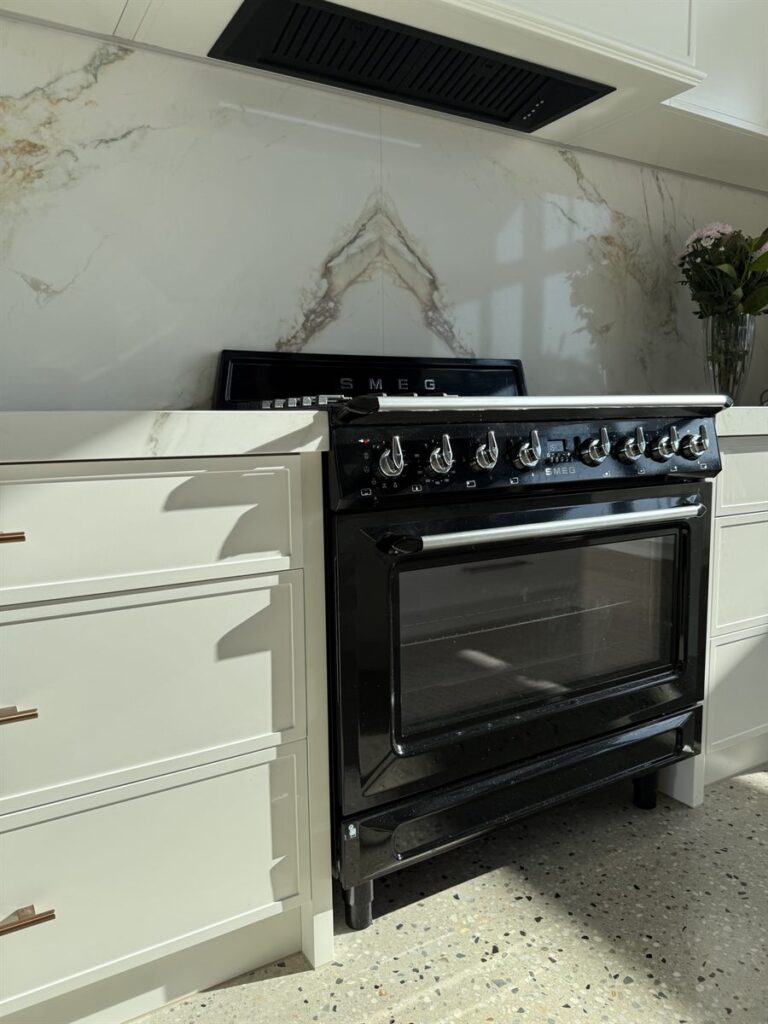
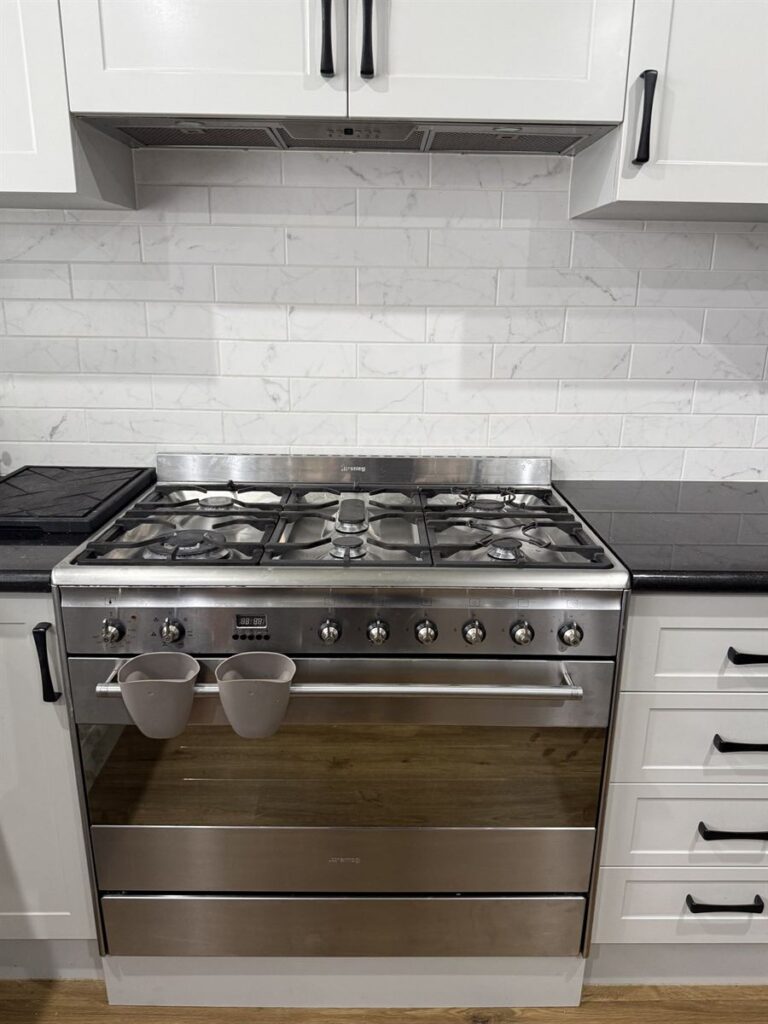
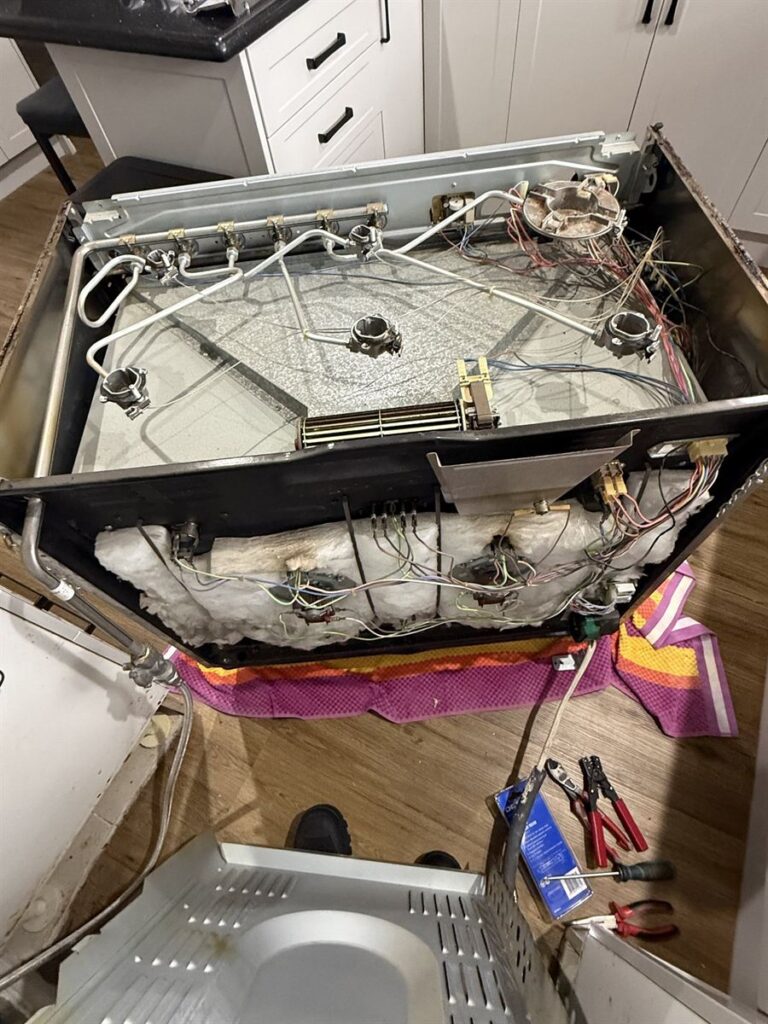
In Templestowe Lower, a Smeg freestanding cooker stopped heating in the middle of cooking. We found a faulty wiring connection had caused heat build-up inside the oven, which had damaged the selector switch, the fan element control unit and the thermal cut-out. We repaired the wiring connection, supplied and replaced all three parts, and tested the oven: everything worked properly. Read the Smeg oven repair in Templestowe Lower.
Control board and touch controls
On newer ovens, the control board switches the elements and the fan through relays. A failed relay or board can leave the display working while nothing heats. Before replacing a board, we rule out the settings above and test the elements, sensor and wiring, because a board is one of the more expensive oven parts.
When should I stop using the oven?
Switch the oven off at the wall or the circuit breaker and don’t use it until it has been checked if there is a burning or electrical smell, smoke, sparking, the safety switch keeps tripping, or the oven overheats. Don’t keep resetting the safety switch, and don’t force a door that is locked after a pyrolytic clean.
Which oven brands do we repair?
- Miele ovens: we are an Authorised Miele Service Agent and fit genuine Miele parts
- Bosch ovens, once the Bosch warranty has ended
- Smeg ovens and cookers
- Fisher & Paykel ovens
- Westinghouse, Electrolux, ILVE, Bertazzoni and most other electric oven brands
How much does it cost to fix an oven that won’t heat?
The $199 + GST call-out covers the visit and the first 30 minutes of labour and diagnostics. Finding the fault, and clearing a setting such as demo mode or a timer, is often done within that time. If an element, fan motor, thermostat, sensor, cut-out, switch or board needs replacing, we tell you what has failed and what the repair costs before any further work goes ahead. If the part has to be ordered, we arrange a return visit.
See our full oven repair service for other faults, such as an oven tripping the power, a noisy fan or a door that won’t close. We also repair gas, electric and induction cooktops and rangehoods.
Book an oven repair in Melbourne
Have the brand, model number and any error code ready, and tell us which functions still heat and whether the oven cuts out or trips the power. We repair ovens in Thomastown, Lalor, Epping, South Morang, Mill Park, Whittlesea, Bundoora, Reservoir, Preston, Greensborough, Doncaster, Templestowe and across northern Melbourne. Send a repair request or call 0451 551 053.